
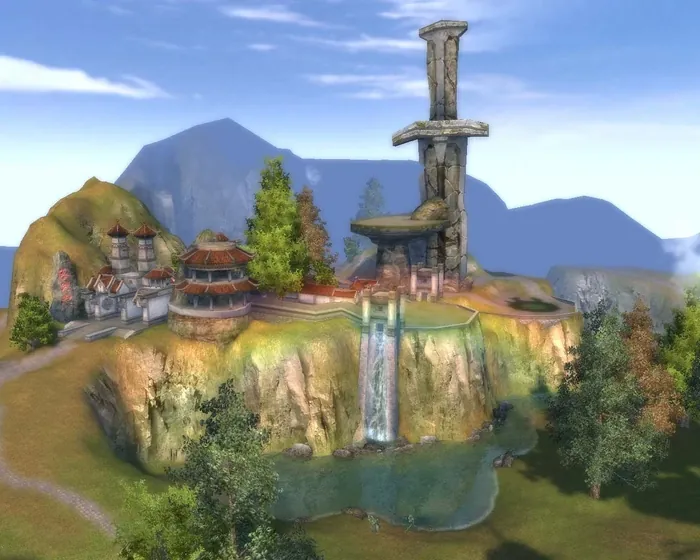
Humans
Etherblade
BlademasterMelee
A weapons master who holds the line for the squad.

WizardElemental magic
Fire, water and earth from range.

Perfect World 1.3.6+ · x1
3 races, 6 classes, experience and spirit x1, coins x2. A classic foundation plus ERA features.
x1Experience
x1Spirit
x2Coins
From monsters and quests
105Max level
80Players per guild
12Max shard level
99 · TT · Lunar · R8Top gear
You can open Twilight Temple on your own.
A weapons master who holds the line for the squad.
Fire, water and earth from range.
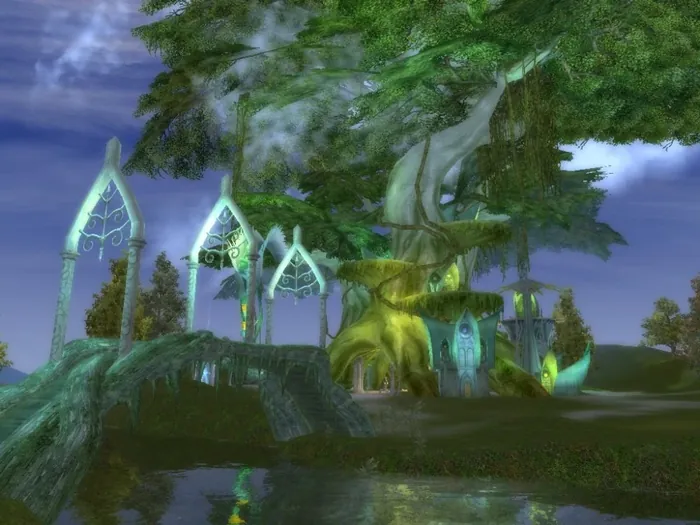

Shoots and keeps enemies at a distance.

Heals, buffs and brings allies back into the fight.
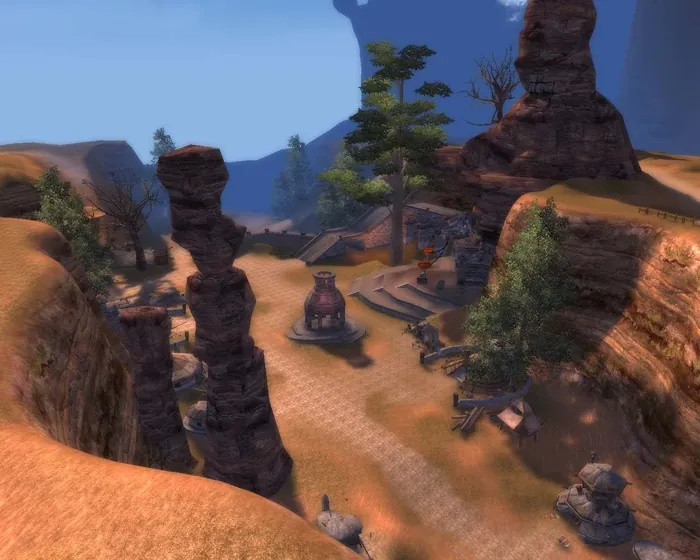

Battle pets, magic and a fox form.

A beast form that holds the enemy’s attention.
Quest boss runs follow you as you level up.
19 · Three starting-race dungeons
Two instances per day: once you defeat a boss, that instance is locked to you; the second one opens with “Reset Dungeons”.
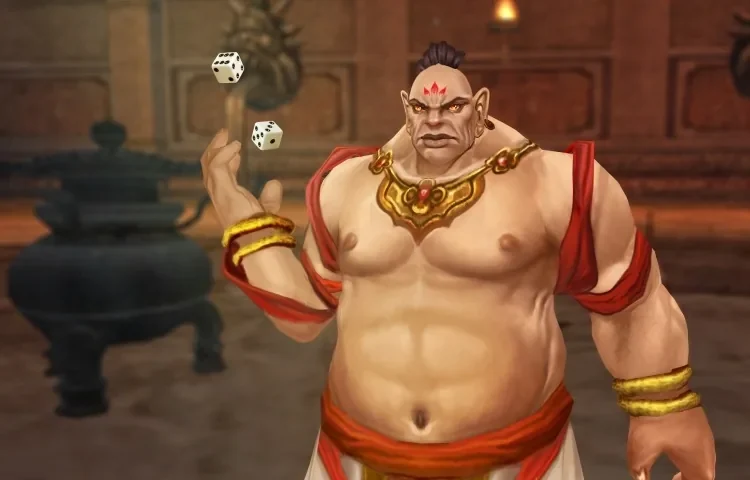
A roll of the dice decides the next room.
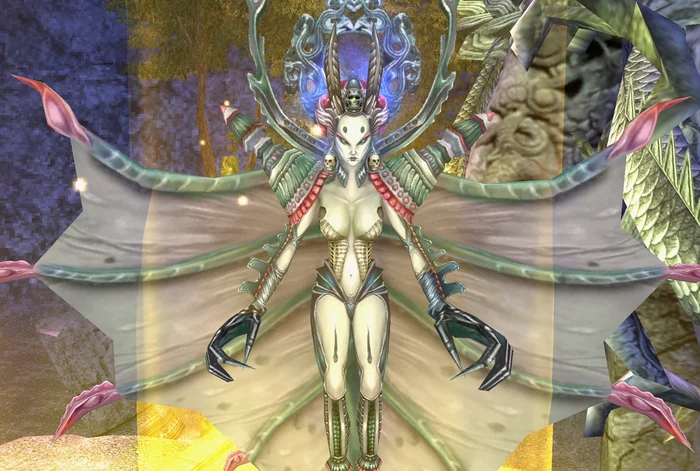
Defend the Widow against waves of enemies.
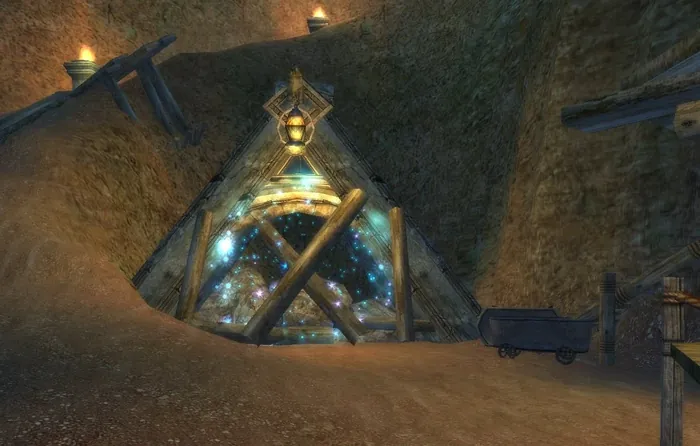
Bosses drop materials for weapons and armor.
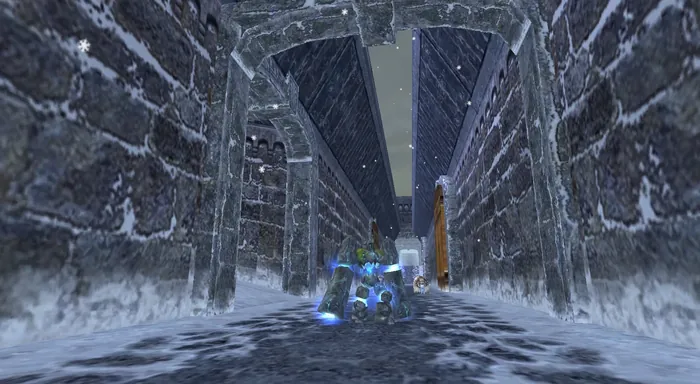
Glacial Shades open the doors yard by yard, and the bosses drop Hearts of Ice for the World Furnaces.
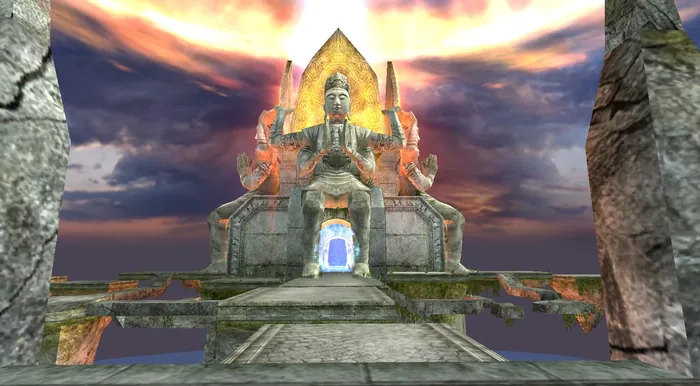
Eight valleys, group and solo modes, monuments at the forks and the Lunar Forges.
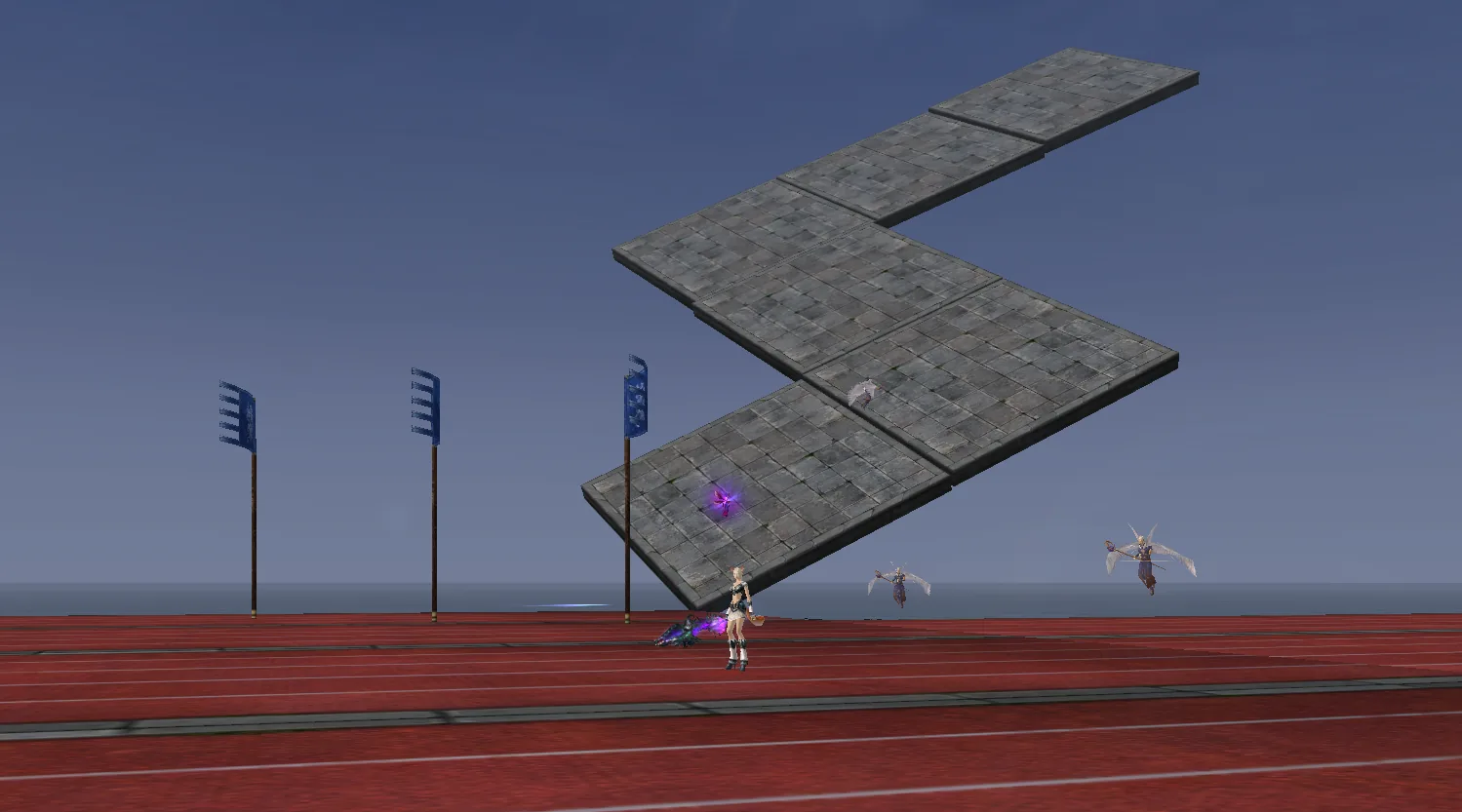
Daily races earn a ticket to the weekly ones, and the weekly races lead to the Grand Race, where Pegasus Wings and Purple Lightning are up for grabs.
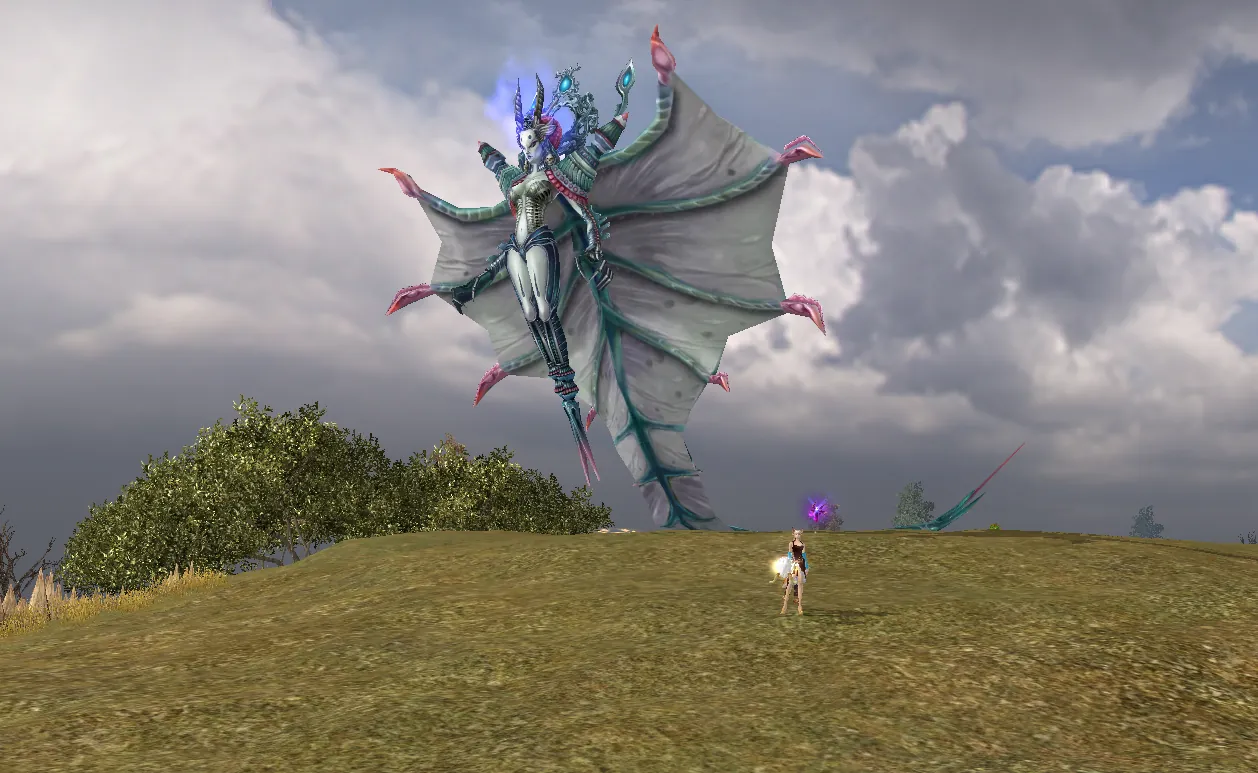
An evening of 16 strong bosses, lone bosses every 2 hours and the night-time Spirit of the Widow with Nine Children.
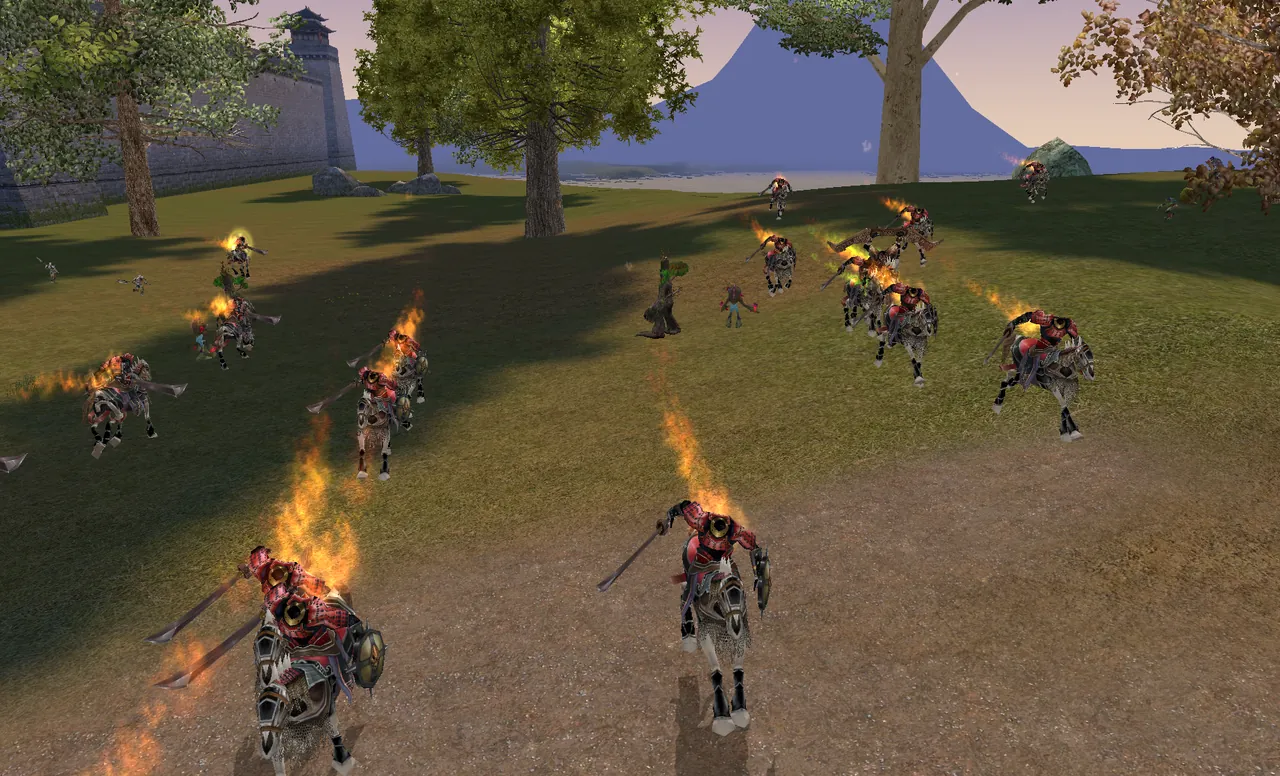
Soulless commanders raid the villages every day, and every Thursday an army lays siege to Archosaur.
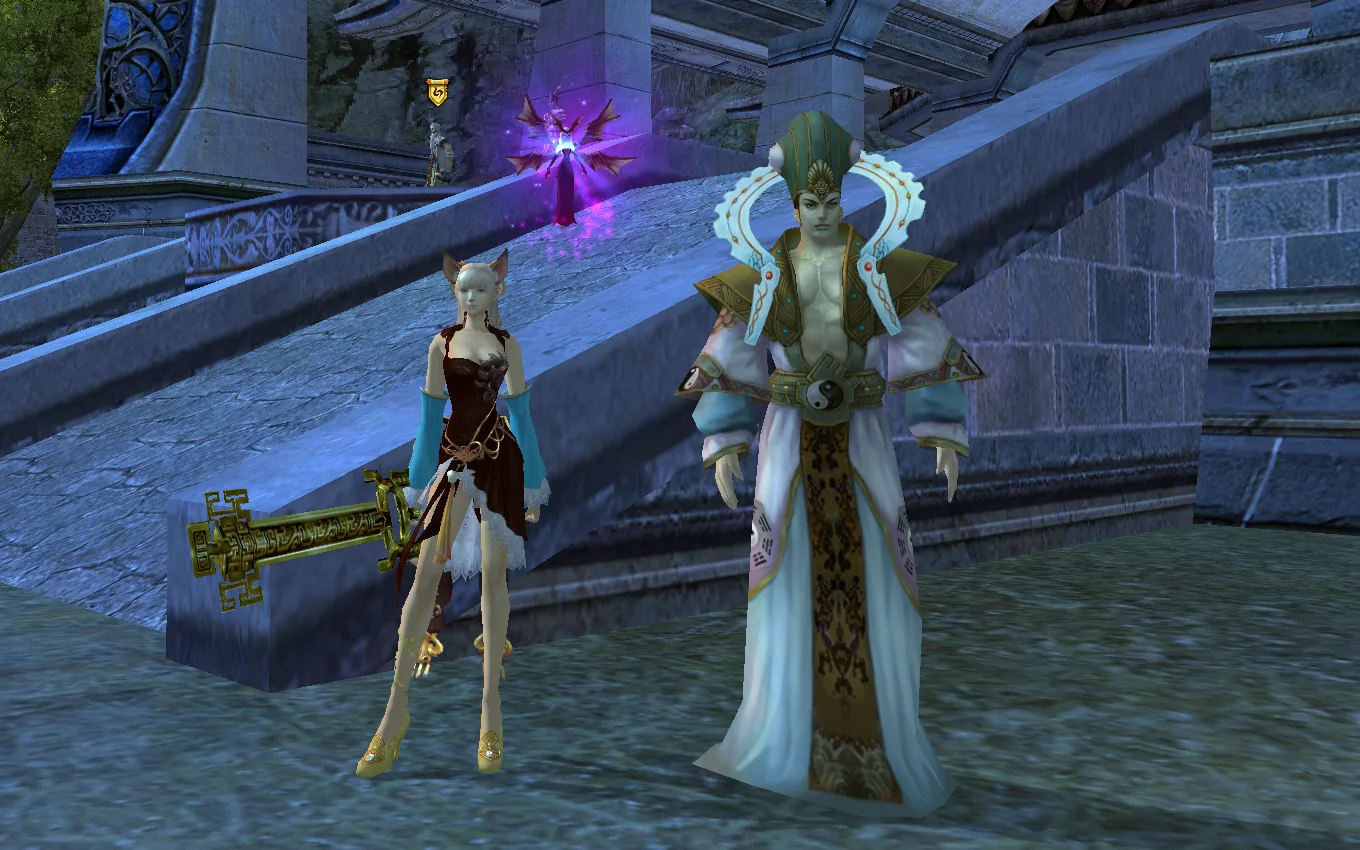
A weight-class tournament: three rounds of fighting for chests with passes and a final with chests for 1st, 2nd and 3rd place.
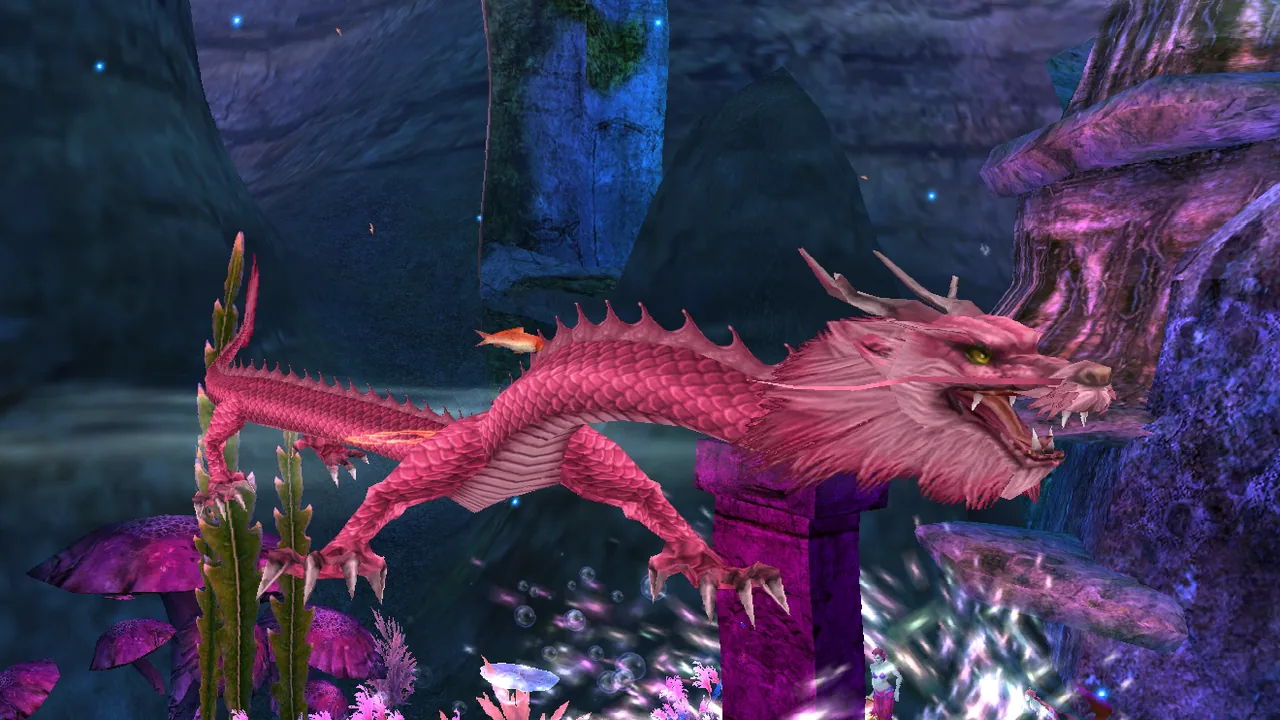
Entry through the Wolf Cub in the cities or the whirlpool in the sea. Storehouses with pet skill manuals and Keys, the Dragon Seal quest chain, and Chiwen awaits whoever breaks the Seal first.
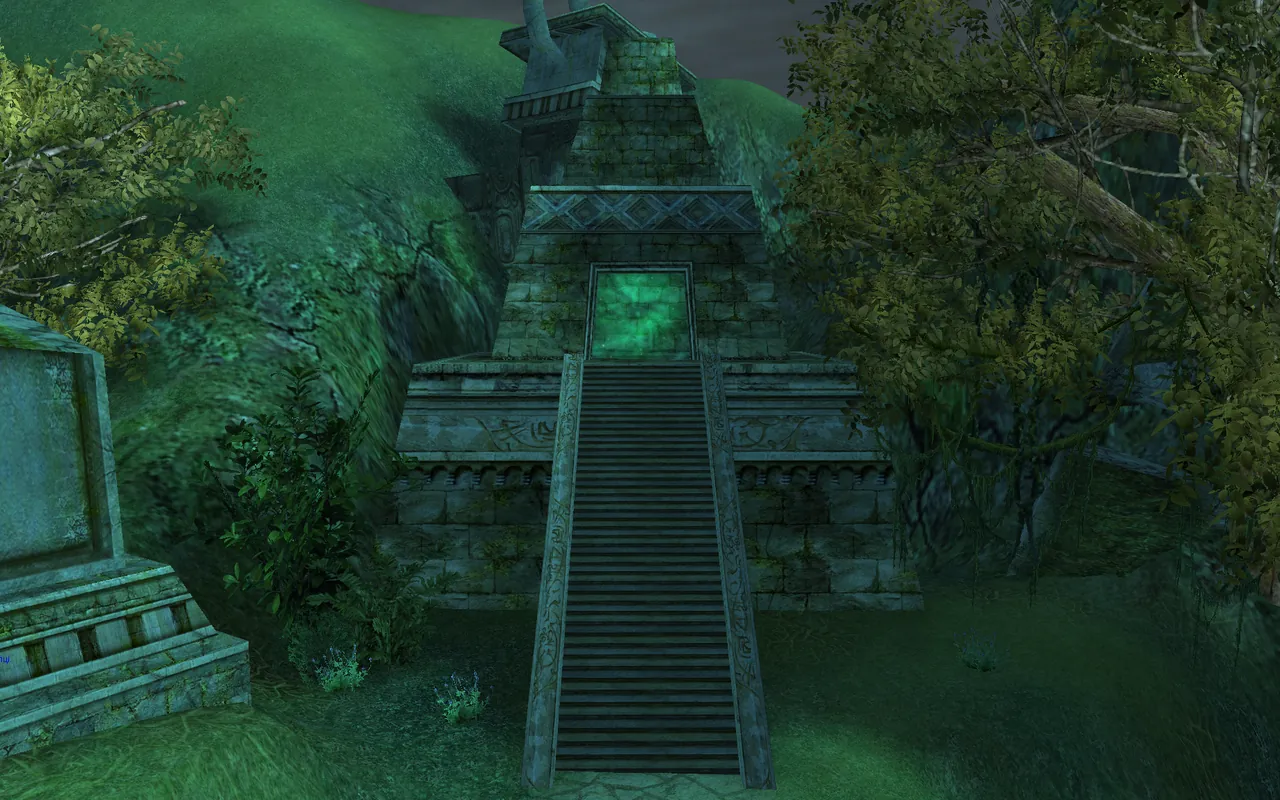
Enter through the Wolf Cub in the cities or the portal at the top of the pyramid. 238 chests with emblems and stones wait in the Ruins, and the Ruins Treasure goes to the fastest.
Guilds fight over 44 territories. Every Friday the owner receives coins for each one.
Player battles in the arena. Terms and rewards for ERA will be announced before launch.
A battle between dynasties for territories. Terms and rewards will be announced before launch.
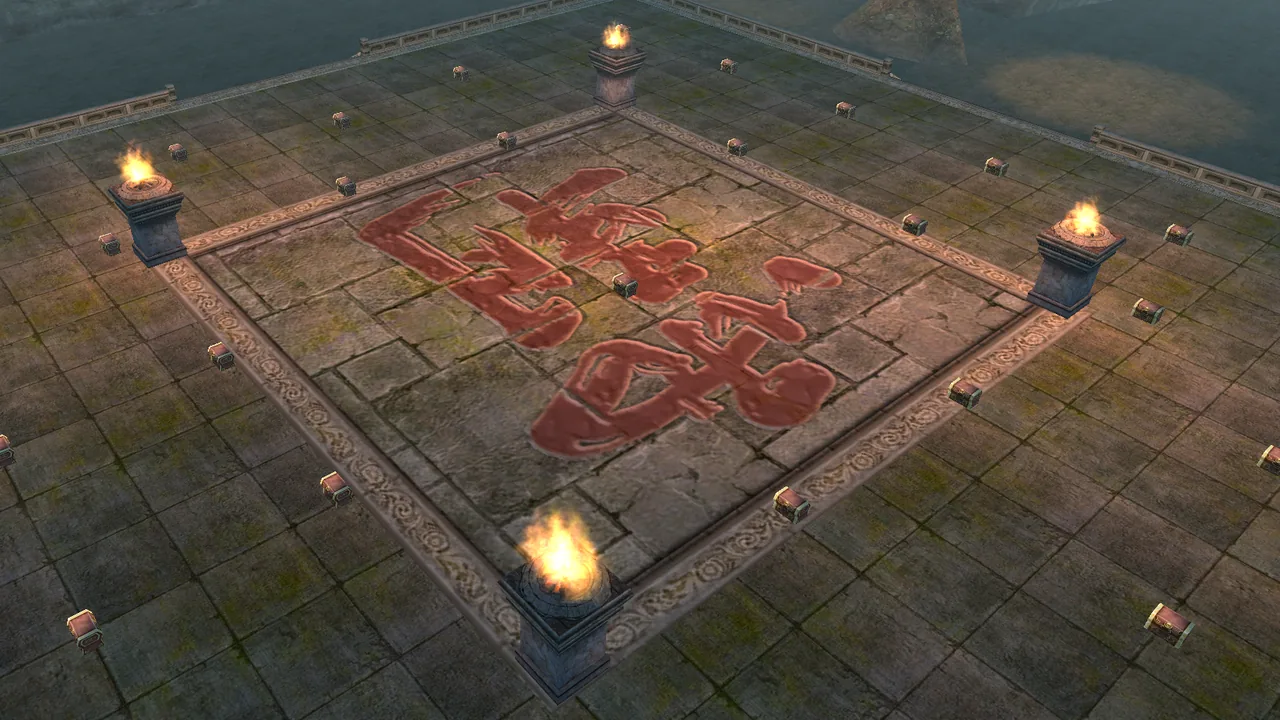
The Wolf Cub and Zu Long in the cities send you to one of 4 arenas. In the centre stand 31 chests with emblems and stones, some of them guarded.
Quest chains take you on a journey through time. There, from level 90, 4 daily errands give materials for level 95 gear.
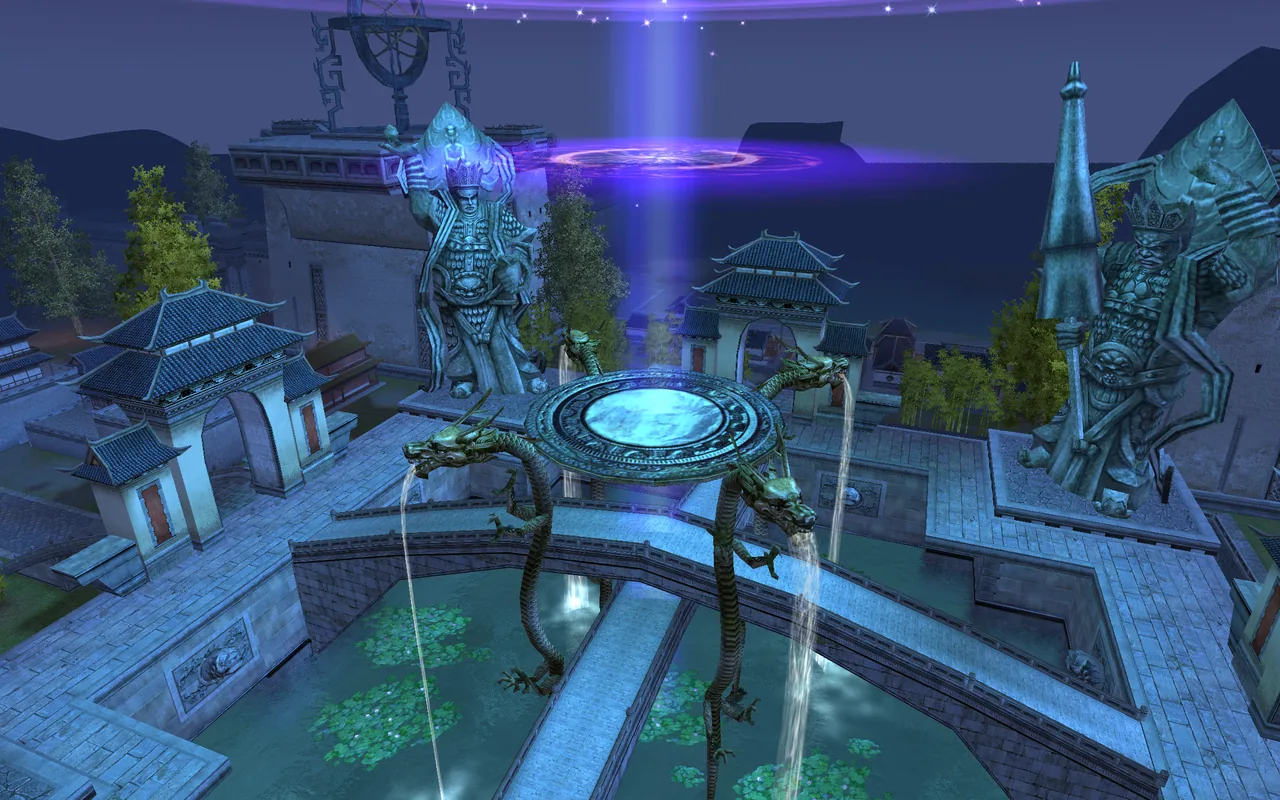
Once a day the Reward Keeper in 4 cities assigns a dungeon boss of your level. Also: Crazy Stone, Reward of Fate, Chrono World errands and A House for a Paperclip from Li Mengpai.
At level 89 you choose the light or dark path.
Jasper, travel, the Cube and errands.
Blacksmith, tailor, craftsman and apothecary.
Personal shops, auction and trading.
Group runs and territory wars.
Land, open water and flight.
Ready-made systems from our team that ERA will receive: 14 core systems and 27 client conveniences. The videos were recorded on a live project and show how the systems work in the game. Terms and names for 1.3.6+ will be announced before launch. Tap a video to watch it.
The launcher saves game accounts with login, password and character name, so you can start the game straight as the character you want. The same window has news, updates and client checks, guild emblems, links to the website and social media, interface languages and the main game settings.
The fashion catalog stores collected styles, flyers, mounts and cosmetic pets. The player puts on a look straight from the catalog without keeping every item in the inventory, builds sets and earns cosmetic titles for collection progress.
A button on the target’s health bar opens the drop window. It shows the chance of every item, special drops, how many items can fall at once, plus the experience, spirit and coins for the kill. In the Twilight Temple, for example, you can check what each boss drops before you go in.
In the refining window you can pick the target level, set materials for different stages and limit the number of attempts. The system runs the refining sequence itself and stops once the target is reached, the materials run out or the limit is hit. The progress of the series and the number of attempts are shown in the window, and you can stop it manually.
Choose the stats you need and their values, check the calculated chance and set how many items to craft. Auto-craft runs the whole selected series: matching items are kept, and unwanted results are automatically sold or dismantled according to your setting. The window stays open and shows how many items were crafted, kept and discarded.
In the crafting window a recipe is pinned to the quest log together with gathering progress. From there you open the source map: for each material you see which bosses and monsters drop it and at what chance, where to gather it, which NPC exchanges or crafts it, which quest rewards it and what to disassemble for it. The world map marks dungeon entrances with the materials you need, and clicking a boss opens its full loot table.
The City of Dark Beasts has a custom map showing the player, party members, creatures, NPCs and resources. Click a marker to inspect a creature's stats and loot, or an NPC's goods and quests. Quest targets are highlighted on the map, and layers can be toggled on and off. The map accounts for the character's room and the event phase.
The in-game marketplace combines consignment shops and cat shops in one window. The player sees listings from all maps, searches for items by name, and buys and sells without walking to a merchant or a player’s stall.
The weapon glow changes with every refine level from +1 to +12. You can see the level right on the character without opening the item tooltip.
AI support does not replace the administration: it gathers reports about bugs, problems and suggestions from the website, account area, forum and support email. Requests are organized into tickets with history, attachments and the player’s contacts.
The guild battle report shows each player’s contribution to GvG, territory wars and battles against monsters. During a fight the window updates participant stats, and afterwards it saves an archive with damage, healing, kills, assists and contribution to the key objectives of the fight.
The search window lists guilds with filters and sorting by name, master, level, members, territories, alliances and enemies. A player opens a guild card and applies, and the guild leadership sees candidates and new applications.
The guild bank lets you store shared resources, move items between inventory and storage, manage their quantities and grant access by rank. It is a handy place for materials, consumables and other guild valuables.
The new look refreshes the game windows, panels and font, while the classic interface stays unchanged. You switch looks with a checkbox in the settings, and it applies after you log in again.
A link goes into the chat and opens with no extra steps.
Distributing points takes fewer clicks and gets the player back to leveling sooner.
The player updates the squad lineup faster and gets back to action without extra routine.
A squad invite can be accepted automatically, and a trade confirms faster after an action in one of the windows. This removes extra clicks in everyday situations and does not change the rules for passing items.
The player can quickly turn on follow instead of spending time manually moving next to an ally.
In mass events this cuts visual noise and makes the screen calmer.
A small detail, but in conversations, trading and coordination it quickly becomes a habit.
After an action is used, the interface shows right away when it will be available again.
The target stays selected: the player presses Escape, but the selection is not cleared.
The player scales chat, map, skill bar, inventory and other windows to fit their screen.
The game window can be fitted to the screen, and when you switch to a browser or another program the client stays in the background instead of minimizing. Fullscreen play feels calmer and gets focus back faster.
Extended mail supports up to 6 attachments per letter, so passing items on takes fewer steps.
The player turns on the extended bar size, and the extra slots adapt to the horizontal or vertical layout and to the interface scale.
Colors help tell your own people, allies, enemies and neutral players apart faster, while individual colored names remain a cosmetic option.
Next to the minimap the client shows FPS, ping and a clock in the player’s time zone. Handy for fullscreen play: no need to minimize the game to check the time. It all turns on with a checkbox in the interface settings, and the server selection window gets a more accurate ping without inflated numbers.
You see which skill the target is preparing and react to dangerous moves faster.
You put gear sets together in advance and switch them in a separate window without replacing every item by hand.
The squad or guild leader places a marker on the terrain, and its coordinates are posted to chat. Clicking the message starts auto-pathing to that spot.
A small button lets you skip the automatic attack after a skill when you want tighter control over your character.
The setting removes the extra delay in certain combat situations, and skills with a charge bar go off without a second press. You control the moment better and spend fewer clicks.
The target window shows exact health, and a small bar next to it shows your target’s own target: the name and health of the player or monster it has selected. You can tell at a glance who is under attack and how dangerous the situation is.
The client shows the distance to the selected target and the height difference in meters. This helps with positioning, checking skill range and controlling fights in the air.
Next to every squad member you see current and maximum health when the client has that data. In crowded activities this is more precise than a plain bar.
The player presses a small button next to a squad member’s icon to turn on auto-assist on their target. Pressing it again turns the mode off. If the member leaves the squad or goes out of range, the setting turns off automatically.
The filter sets a radius, excludes squad members, your guild and allies, and lets you exclude specific classes. TAB cycles through the nearest valid targets in order.
Each window gets its own Windows ID and a label with the character’s name. Windows can be rearranged as separate buttons, and the order is saved per character.
With the option on, the game window keeps showing what happens while you are in a browser or another program. Handy when you need to answer a message or open a page without losing sight of the game.
Events, activities and adapted leveling rewards are also planned. Bonus percentages will be announced before launch.
 6monthsTerritory marathonGuilds and the fight for territory
 3monthsLeveling marathonLevel and total experience
The countdown starts on launch day. The launch date has not been announced yet.
ERA PW 1.3.6+
As soon as a boss falls in an instance, it is locked to everyone who was inside and counts as one of 2 for today. Village of Mists and Rebels’ Abode count separately.
Click a seal on the map or a boss in the list to see its loot.
The maps did not load. Refresh the page and try again.
Two instances per day: defeating this boss locks the instance to you until 24:00.
Chance to get the item in one kill
Shared loot of monsters of this level: rare items with a small chance