
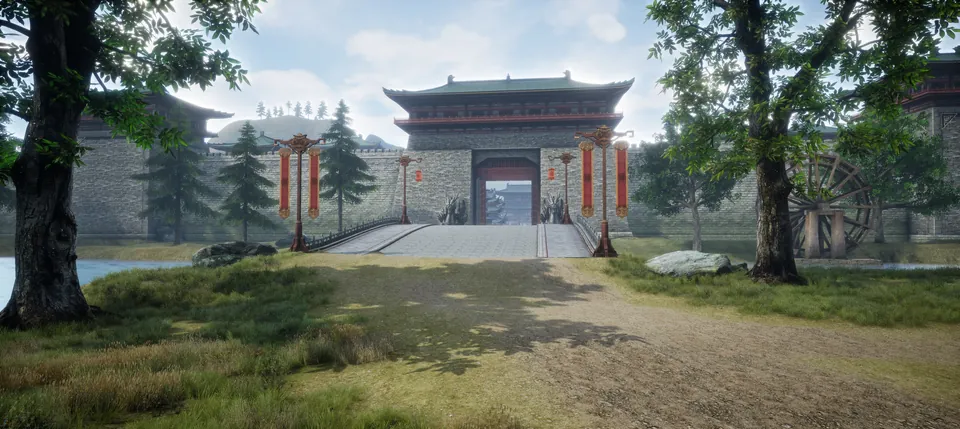
Classic serverPerfect World1.3.6+ / x1
Perfect World 1.3.6+ · x1
Download the client
Launch · Kyiv time
Launched on November 27
The server is open
Sign-up and the client download open about a week before launch. Until then, read about the server and follow the news.
Installing the client
5 stepsDownload the client whichever way suits you.
A direct link, a torrent or one of the cloud sources will do.
Turn off your antivirus for a while before unpacking.
Some antivirus programs may delete client files by mistake because the files have no commercial certificates.
Unpack the archive into a separate folder.
Pick a drive with enough free space and do not install the client into Windows system folders.
Add the game folder to your antivirus exclusions.
This keeps the client and launcher stable: antivirus programs can block or delete game files during updates or launch.
Start the game through the launcher.
The launcher checks for updates and starts an up-to-date client. You need an account to log in.
Required components
We will add the required versions together with the client DirectXLibraries that graphics and sound need to work properly.
 Visual C++A set of Microsoft system libraries.
 .NET FrameworkA Windows component that some helper programs need.